Starter Templates
Import ready-made Masteriyo starter templates — preview designs, run the one-click demo import, and customize your online course website.
Masteriyo LMS introduces Starter Templates - a collection of professionally designed, ready-to-use website templates specifically crafted for online learning platforms. These templates provide a quick and efficient way to launch your LMS website with modern, conversion-optimized designs.

After visiting the Starter Templates page, you can browse through the available template collection. You can browse all the templates currently available in the collection.
Using Starter Templates
You can hover over the templates, which gives you two options: Preview and Import.
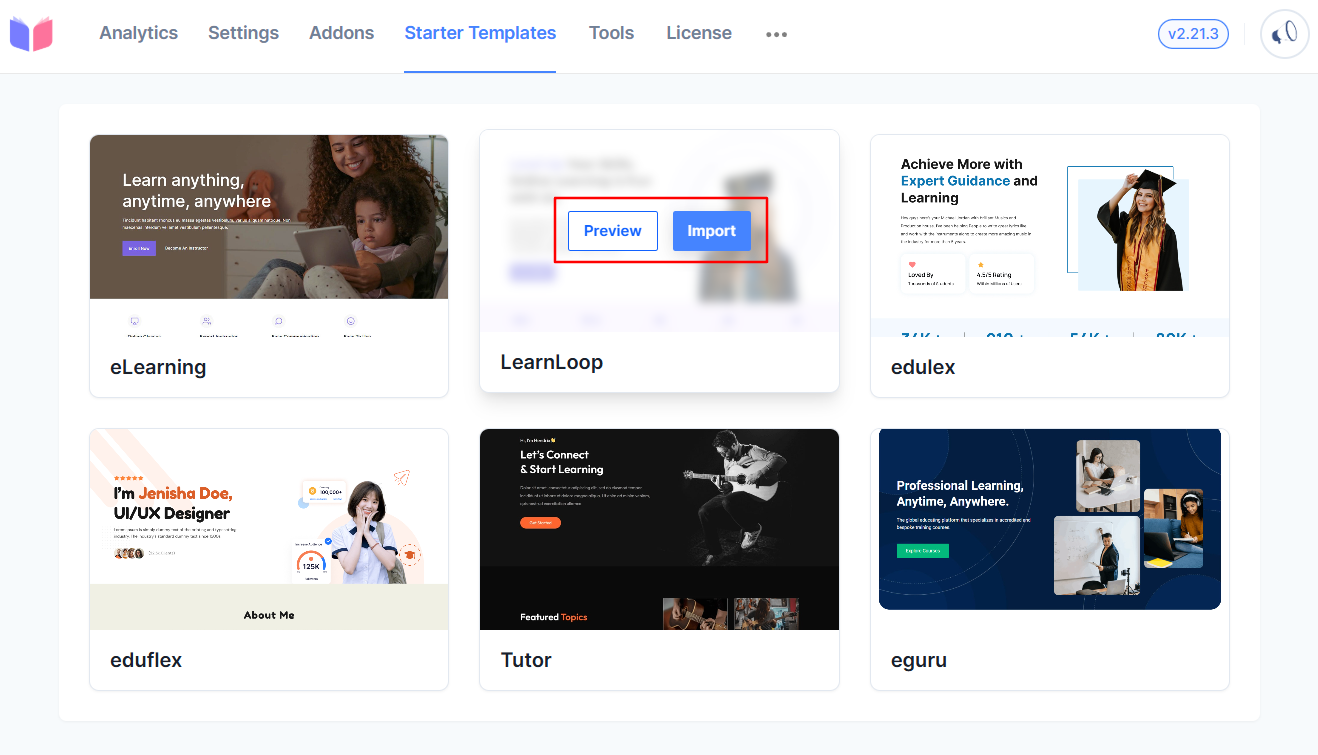
Preview Templates
- Click the Preview button on any template to see what the template will look like.
- Navigate through different sections to see the whole design.
- Test responsiveness by resizing your browser window.
Import Templates
- Select your preferred template.
- Click the Import button and then continue after reading the pop-up message
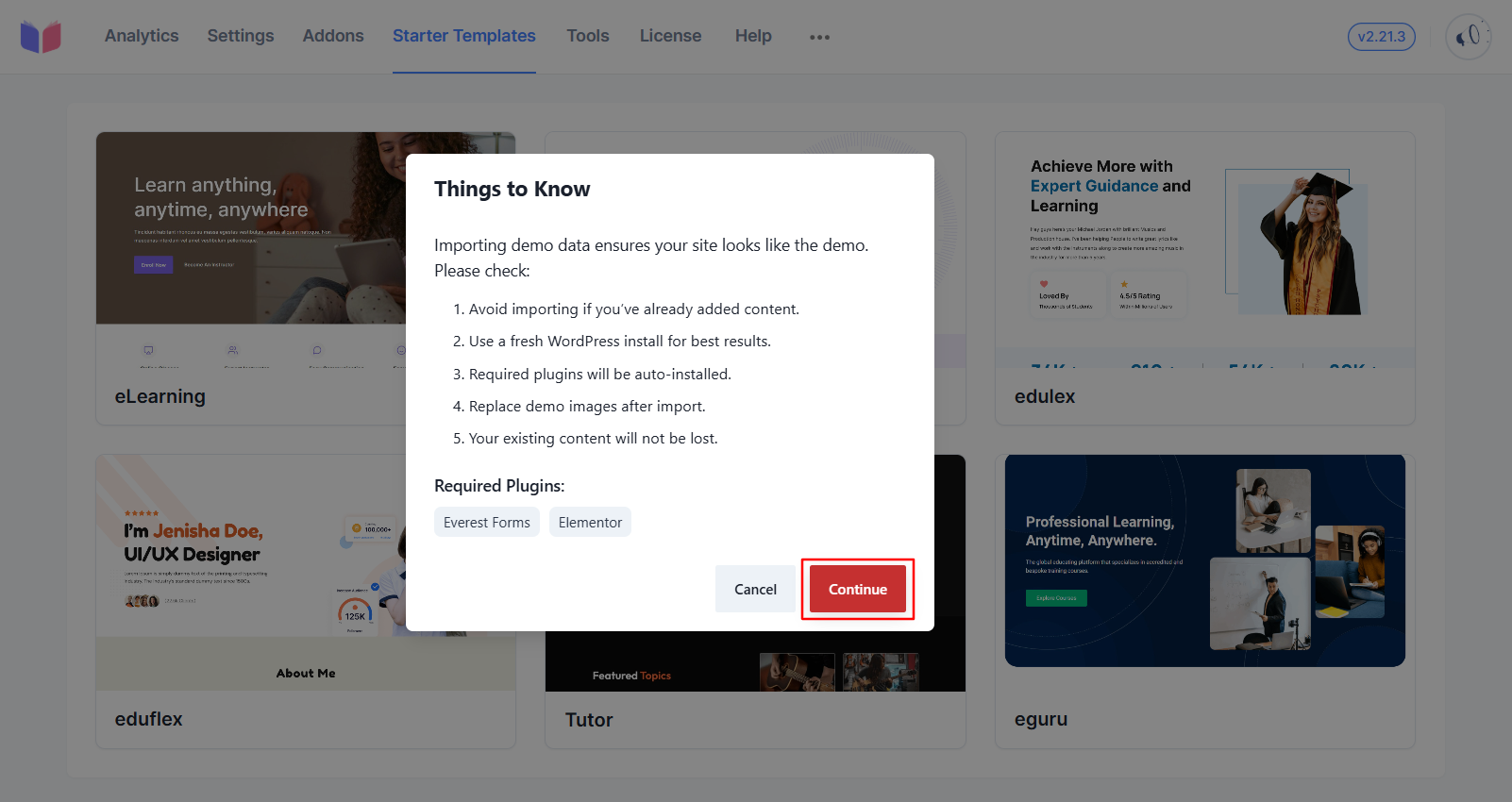
- Wait for the import process to complete.
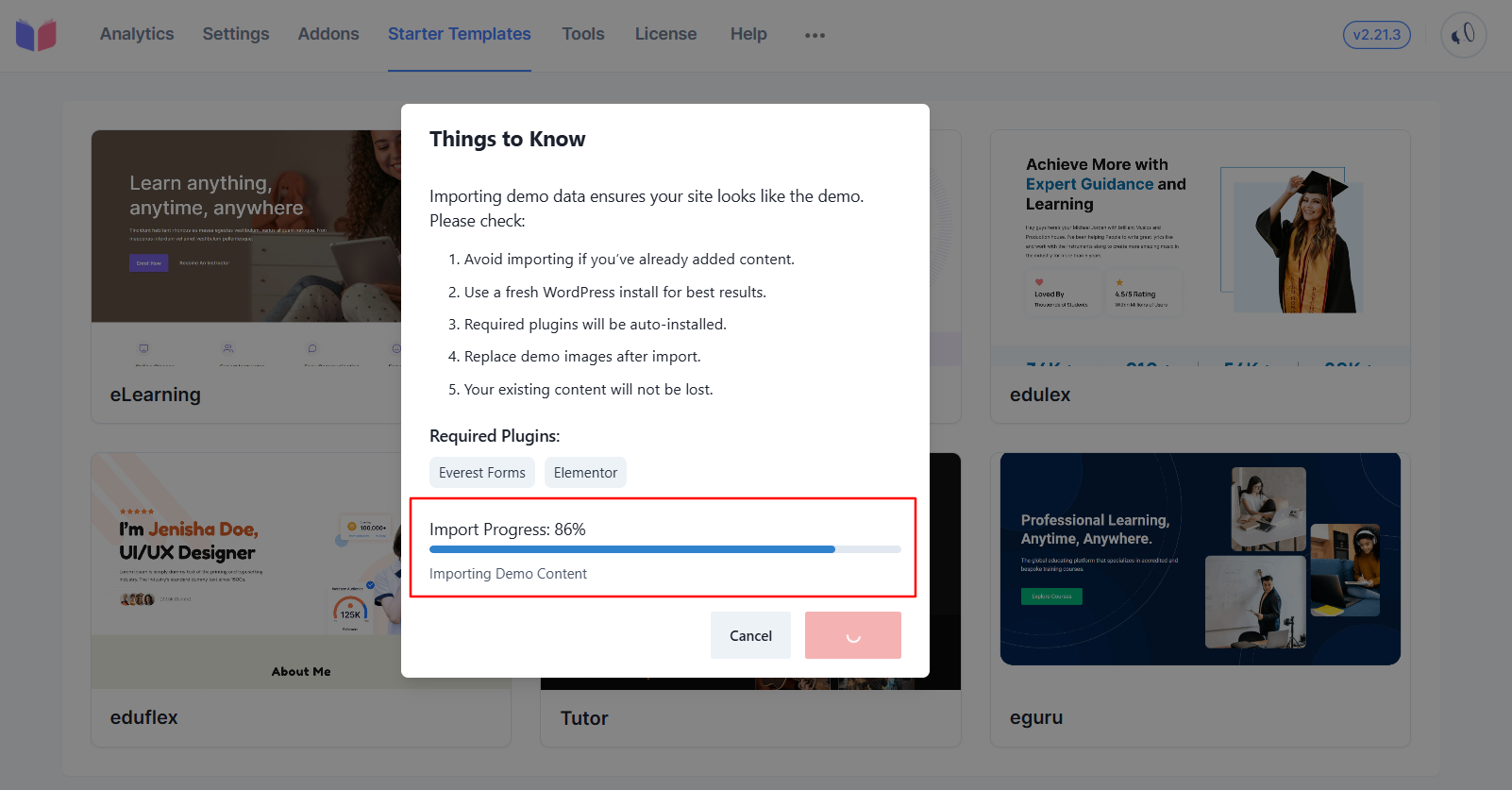
- Your website will automatically apply the new template design.
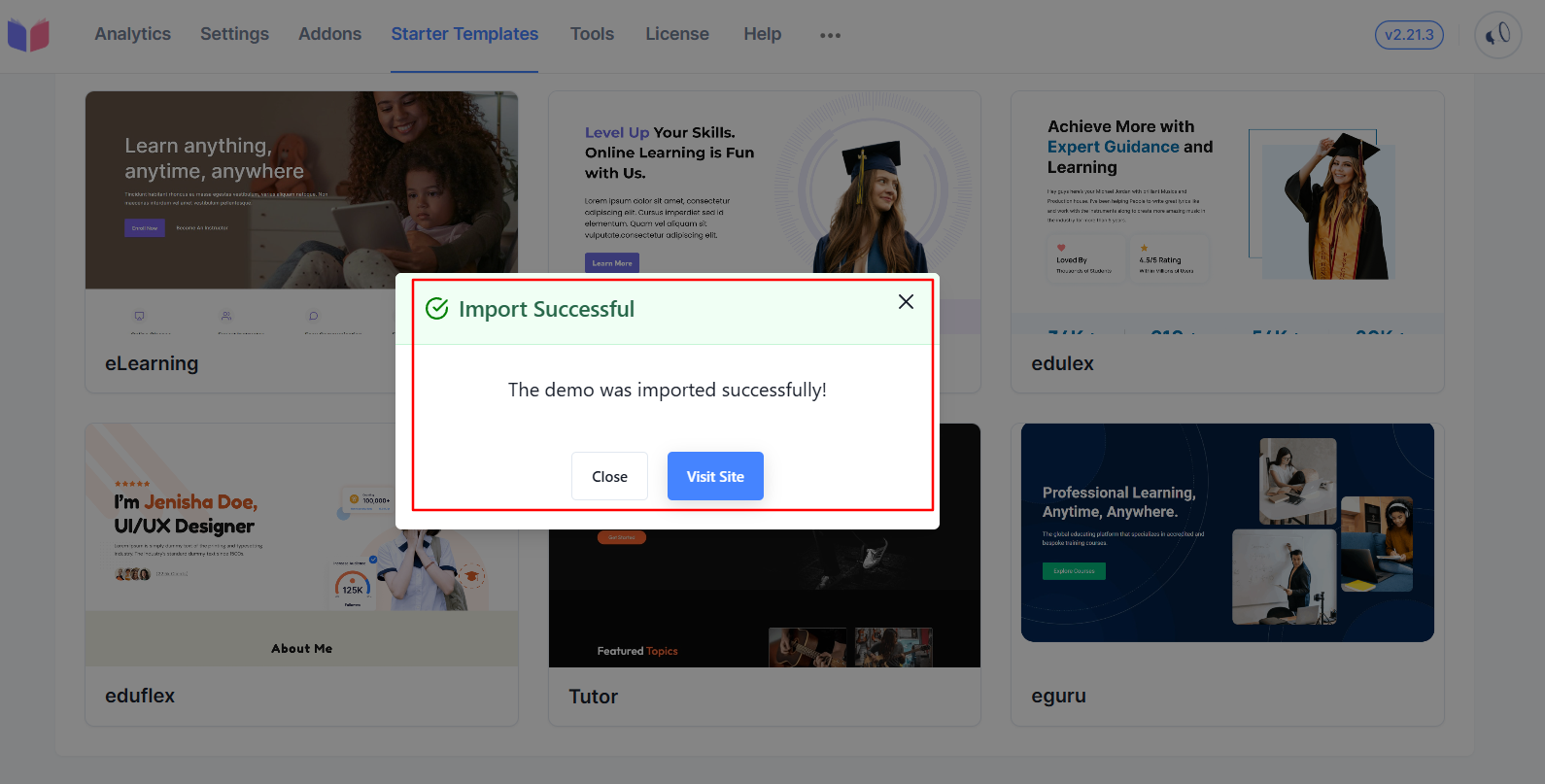
Template Features
Pre-built Sections
- Hero Areas: Compelling headlines with call-to-action buttons.
- Course Grids: Organized course displays with filtering options.
- Testimonials: Student success stories and reviews.
- Contact Forms: Lead generation and inquiry forms.
Design Elements
- Responsive Design: Optimized for desktop, tablet, and mobile
- Modern Typography: Professional fonts and text hierarchy
- Color Schemes: Carefully selected color palettes for each niche
- Image Placeholders: High-quality stock photos included
- Button Styles: Conversion-optimized call-to-action buttons
Customization Options
After Import
Once imported, templates can be customized through:
- WordPress Customizer: Theme options and basic styling.
- Page Builders: Compatible with popular builders like Elementor.
- Masteriyo Settings: LMS-specific configurations.
- Media Library: Replace placeholder images with your content.
Stay updated by checking the Starter Templates section regularly for new additions and improvements.
Was this article helpful to you?
Give us Rating
Last edited on July 28, 2026.
Edit this page